Hi all, Last Wednesday Microsoft released Windows 11 Insider Preview Build 23506 to the Dev Channel.
ISOs are available for this build – they can be downloaded > here <.
What’s new in Build 23506
Passwordless experience with Windows Hello for Business
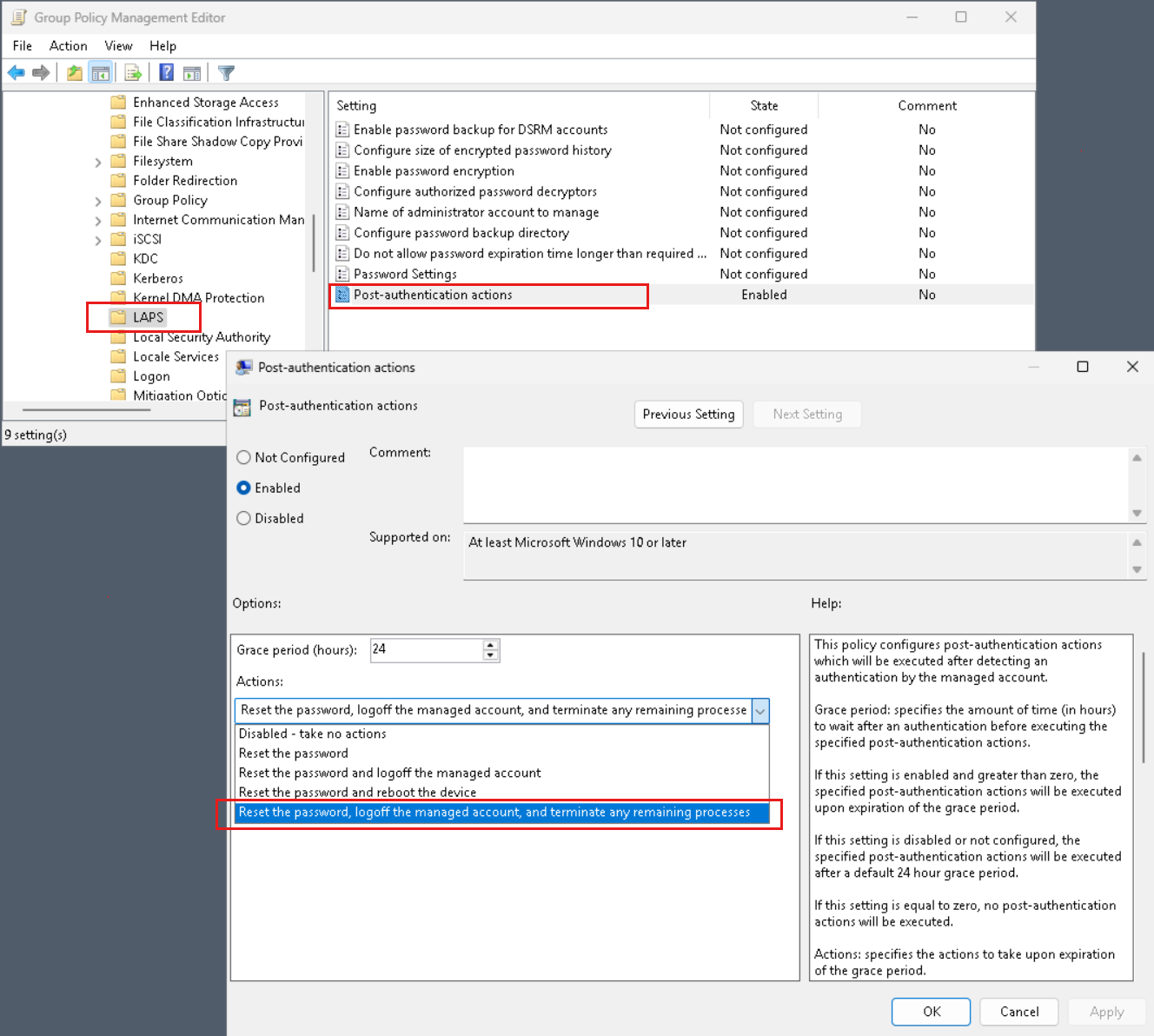
With Windows Hello for Business (WHFB), Windows provides organizations with a strong, phish-resistant credential, helping customers move to a passwordless future. Enterprise customers can now set the EnablePasswordlessExperience policy that promotes a user experience on AAD joined machines for core authentication scenarios without requiring a password. This new experience hides passwords from certain Windows authentication scenarios and leverages passwordless recovery mechanisms, such as WHFB PIN reset, if necessary.
Once the policy is set, it removes passwords from the user experience, both for device logon as well as in-session auth scenarios like password managers in a web browser, “Run as” admin or as a different user scenarios, and User Account Control (UAC). Users will navigate through their core authentication scenarios using WHFB in place of passwords. If the user fails to sign in, recovery mechanisms such as PIN reset or web sign-in can be used to help the user recover their credentials without IT helpdesk engagement.
FEEDBACK: Please file feedback in Feedback Hub (WIN + F) under Security and Privacy > Windows Hello PIN.
Unsafe password copy and paste warnings
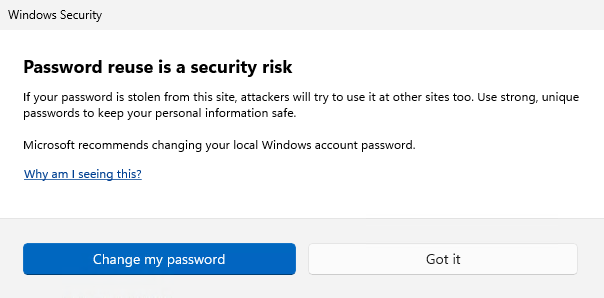
Starting in Windows 11, version 22H2, Enhanced Phishing Protection in Microsoft Defender SmartScreen helps protect Microsoft school or work passwords against phishing and unsafe usage on sites and apps. We are trying out a change starting with this build where users who have enabled warning options for Windows Security under App & browser control > Reputation-based protection > Phishing protection will see a UI warning on unsafe password copy and paste, just as they currently see when they type in their password.
FEEDBACK: Please file feedback in Feedback Hub (WIN + F) under Security and Privacy > Microsoft Defender SmartScreen.
Local File Sharing Improvements
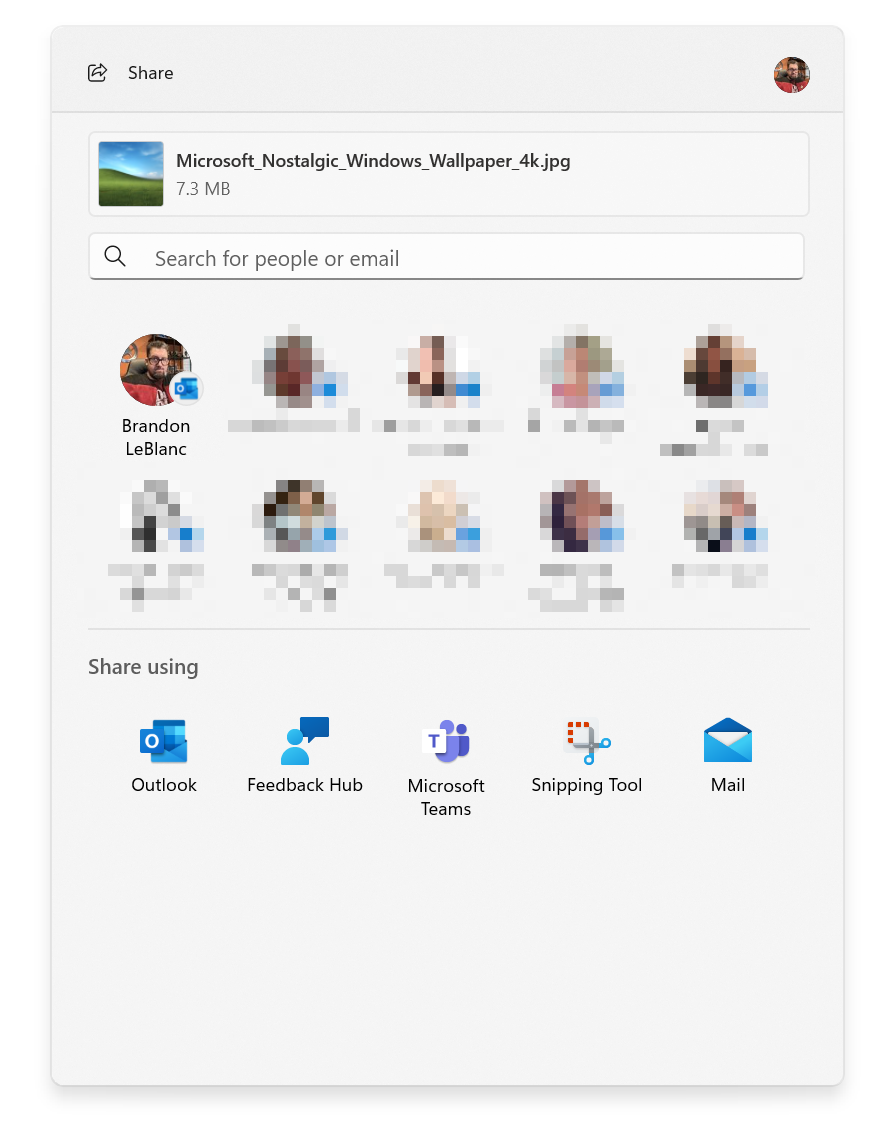
We have made some improvements to the built-in Windows share window and nearby sharing for sharing local files from your PC.
Those improvements include:
- We have redesigned the Windows share window to better match the Windows 11 design principles.
- Everyone will now be able to email their files through Outlook directly within the Windows share window. Just click on the Outlook icon under the “Share using” section of the Windows share window.
- The Windows share window now has a search box so you can now search for contacts across Outlook to share a file and the Windows share window will now display 8-10 suggested contacts to quickly share to – including emailing yourself a file.
- Instead of a dropdown, you will see a button to turn on nearby sharing.
- For nearby sharing, you will find your own PCs at the top of discovered devices under “Nearby Share”.
- Files will share faster from one PC to another using Wi-Fi Direct.
- And we’ve added “Share” to the context menu in File Explorer in addition to having the share icon at the top of the context menu.
As a reminder, these experiences will work for sharing local files from the desktop, File Explorer, Photos, Snipping Tool, Xbox, and other apps that use the built-in Windows share window.
FEEDBACK: Please file feedback in Feedback Hub (WIN + F) under Desktop Environment > Share for the Windows share window and under Desktop Environment > Nearby Sharing for nearby sharing.
The New Outlook for Windows is now an inbox app
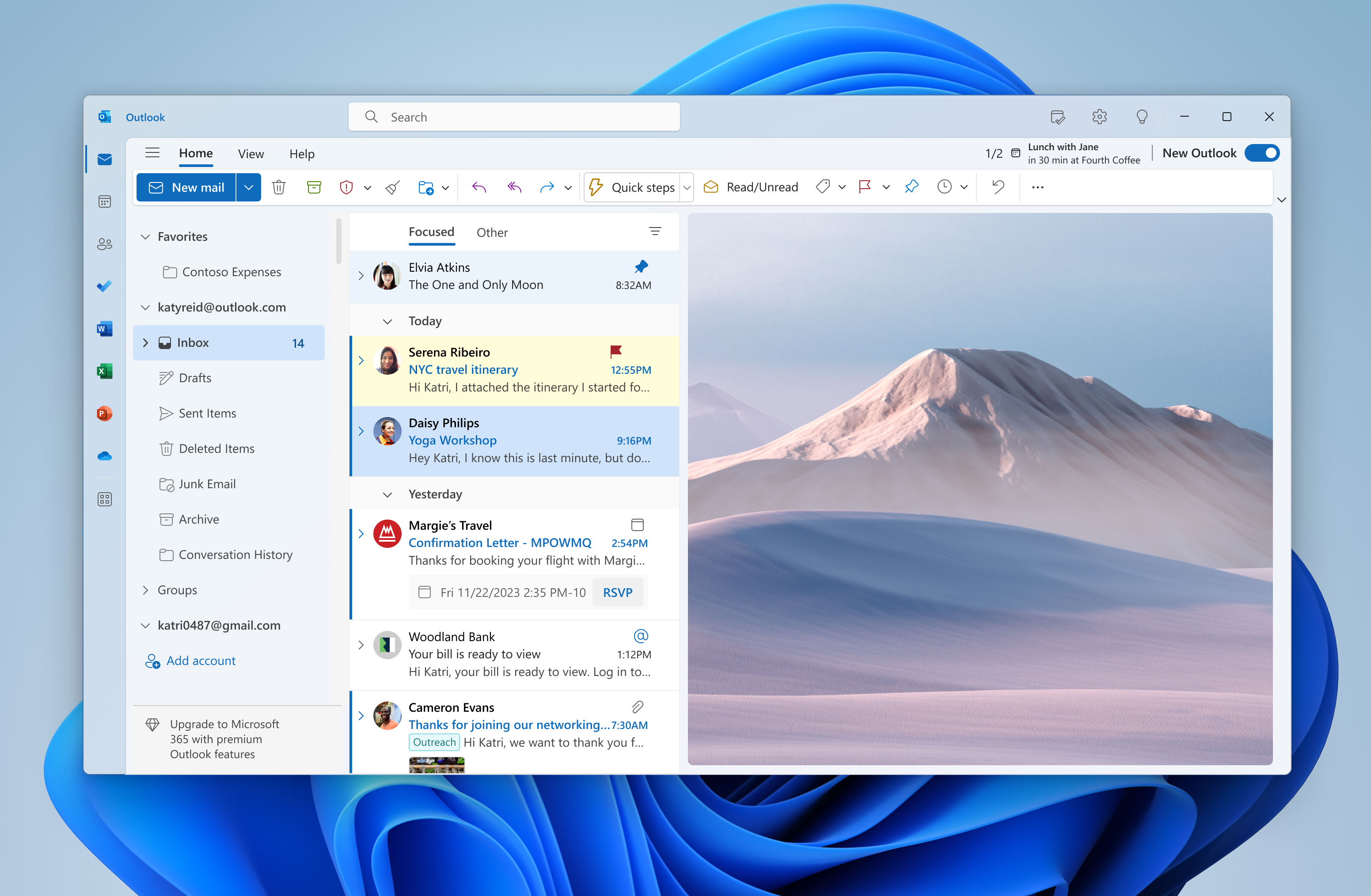
Starting with this build, the new Outlook for Windows Preview is now an inbox app. With the new Outlook for Windows, you can connect work and personal emails, calendars, and contacts in one secure place. Learn about the new Outlook for Windows here and the most recent set of updates for Insiders here. You can click here to learn more about the future of Mail and Calendar in Windows.
Post-OOBE Experiences
We are trying out several new experiences for after completing OOBE (“out of box experience”) starting with this build. You may see one of these three experiences launched automatically on your device after completing OOBE.
- If you choose ‘Development Intent’ within the ‘Let’s Customize Your Experience’ page during OOBE, Dev Home will be automatically launched on your device after logging in and reaching the desktop for the first time after OOBE setup.
- If you choose ‘Development Intent’ within the ‘Let’s Customize Your Experience’ page during OOBE, the Get Started app will be automatically launched on your device after logging in and reaching the desktop for the first time after OOBE setup. The Get Started app will show you a personalized flow that will help you learn more about Dev Home and give you the opportunity to open Dev Home.
- If you choose to ‘Restore’ your device during OOBE, the Get Started app will be automatically launched on your device after you log into your device for the second time after completing OOBE. The Get Started app will show you a personalized flow that will help you learn about key apps and settings, tell you that Windows has restored on your device and show you how to access your restored apps on Start menu or taskbar.
These experiences will help you learn about new features in Windows 11 and help you complete your device setup. These experiences will only be available to a small subset of Insiders in the Dev Channel at first and you may see different variations of these experiences.
FEEDBACK: Please file feedback in Feedback Hub (WIN + F) under Install and Update > Initial out of box setup.
[ADDED] Auto Color Management (ACM) Expansion
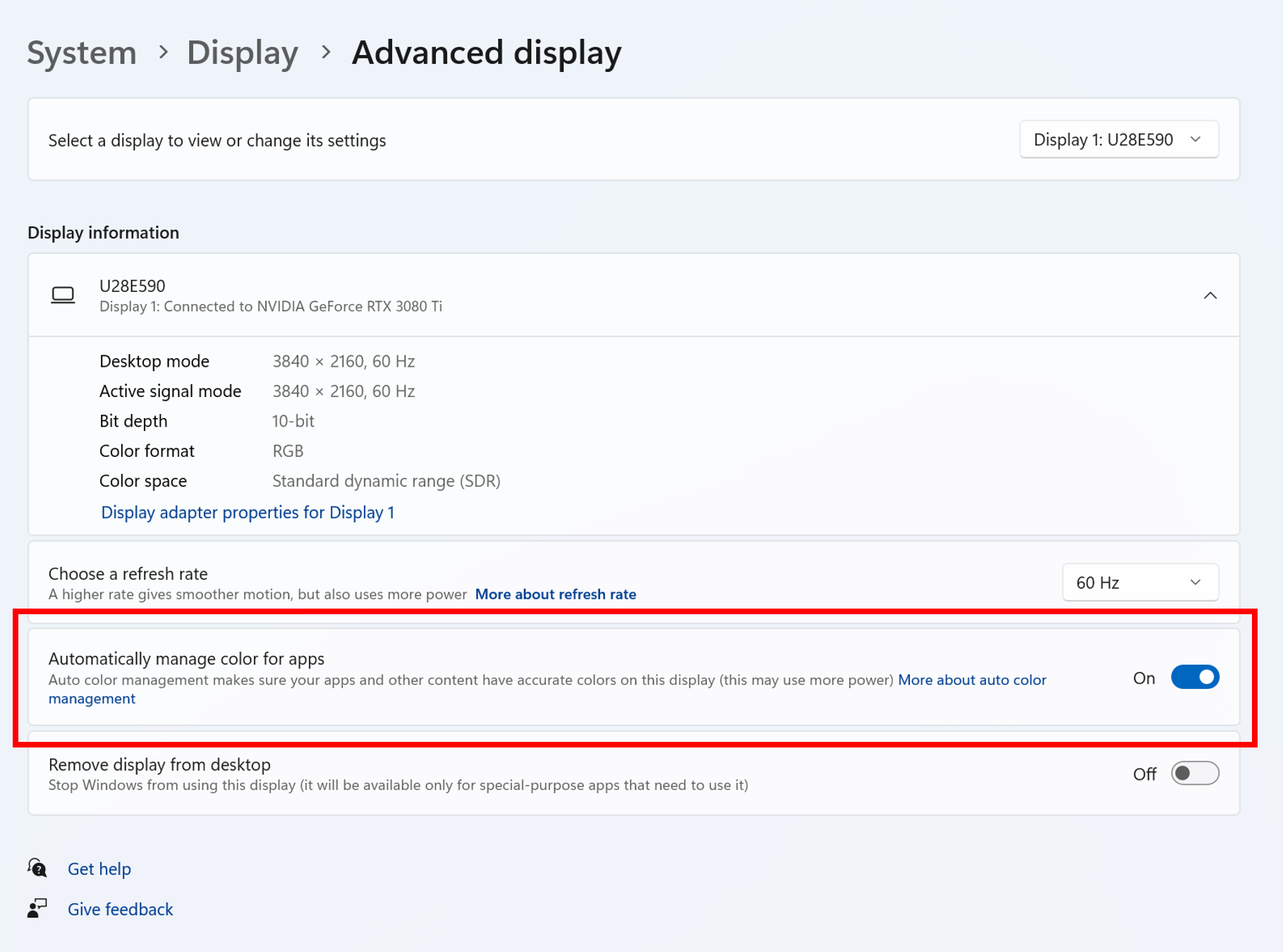
Last fall, we launched Auto Color Management (hardware accelerated system level color management) on select qualifying and specially provisioned SDR displays. Now, Insiders in the Dev Channel will be able to turn ACM on for their SDR displays and have all colors across all Windows apps, whether or not they are color-managed, appear accurately and consistently on every supported display.
To turn ACM on, go to Settings > Display > Advanced display, select correct display and turn on Automatically manage color for apps.
Note: ACM enablement has the following requirements:
- WDDM driver version 3.0 or greater
- Supported GPU:
- AMD:
- AMD RX 400 Series or later
- AMD Ryzen processors with Radeon Graphics
- Intel
- Integrated: Intel 12th Gen (Alder Lake) or later
- Discrete: Intel DG1 or later
- NVIDIA:
- NVIDIA GTX 10xx or later (Pascal+)
- There are no hard requirements on the display or connection – ACM can provide benefits even on 8-bit sRGB panels. However, we strongly recommend ACM devices to have panels with a wider-than-sRGB gamut, and optionally 10-bits per color channel or greater.
- AMD:
FEEDBACK: Please file feedback in Feedback Hub (WIN + F) under Display and Graphics > Windows HD Color.
Changes and Improvements
[Windows Copilot]
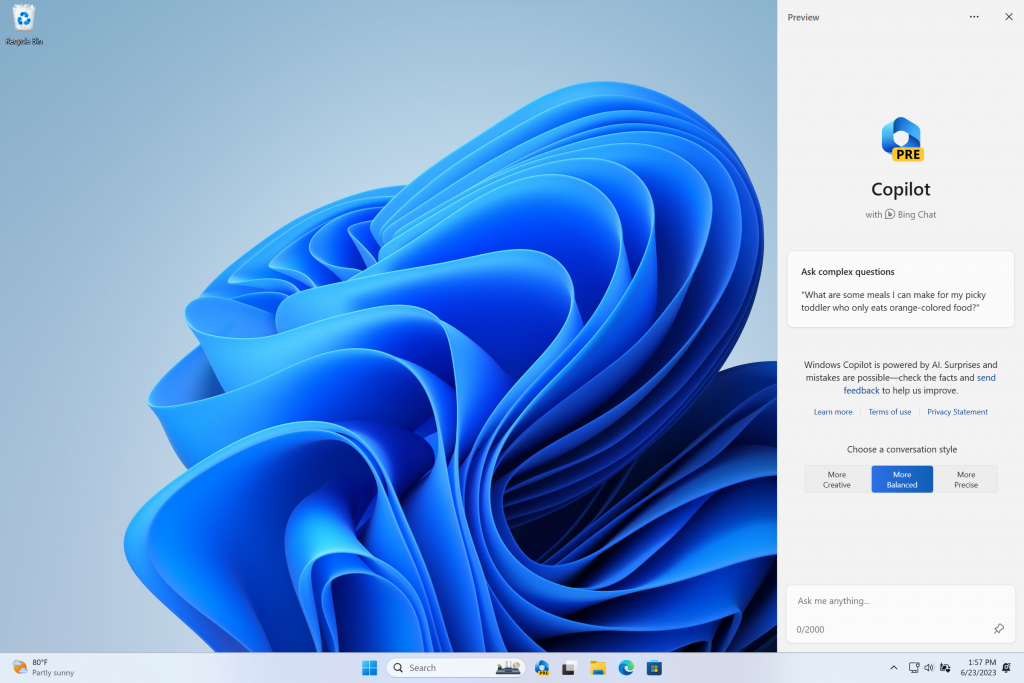
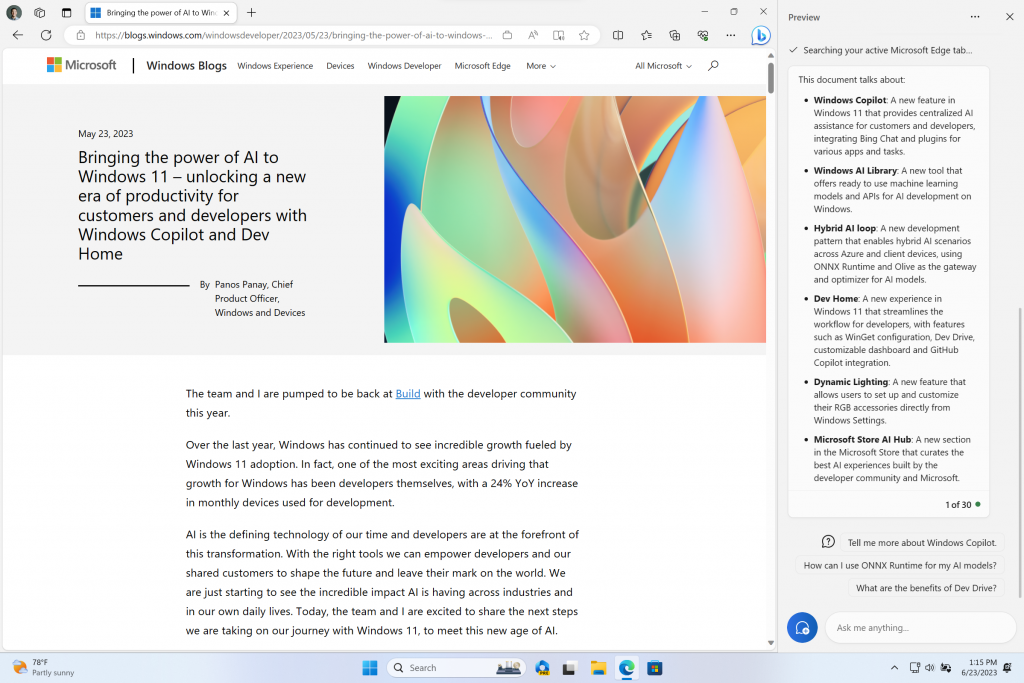
- The Windows Copilot Preview, which began rolling out with Build 23493, is now available to all Windows Insiders in the Dev Channel. Insiders may need to reboot to have it show up.
[Emoji]
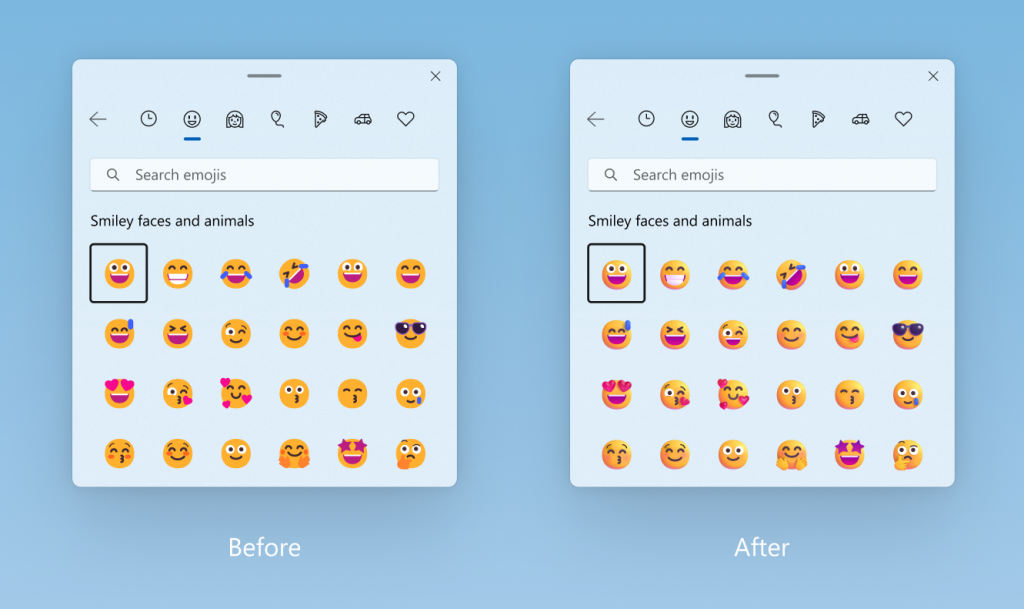
- With the update of our color font format to COLRv1, Windows is now able to display richer emoji with a 3D like appearance with support coming soon to some apps and browsers. These emoji use gradients to bring the design style that our customers have been asking for. The new emoji will bring more expression to your communications.
[Task View & Desktops]
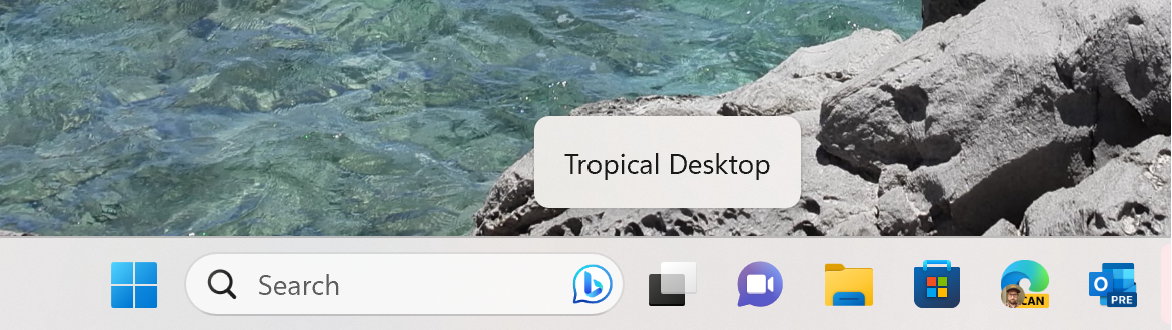
- [ADDED 7/21] When navigating between desktops in Task View (WIN + CTRL + left or right arrows), labels will be shown. New sliding animations will also show when you change your desktops using trackpad gestures, touch gestures, hotkeys and by clicking on the Task View flyout. These changes are beginning to roll out, so not all Insiders in the Dev Channel will see them right away.
[Voice Access]
- Voice access is now available via the accessibility flyout on the Lock screen.
[Backup and Restore]
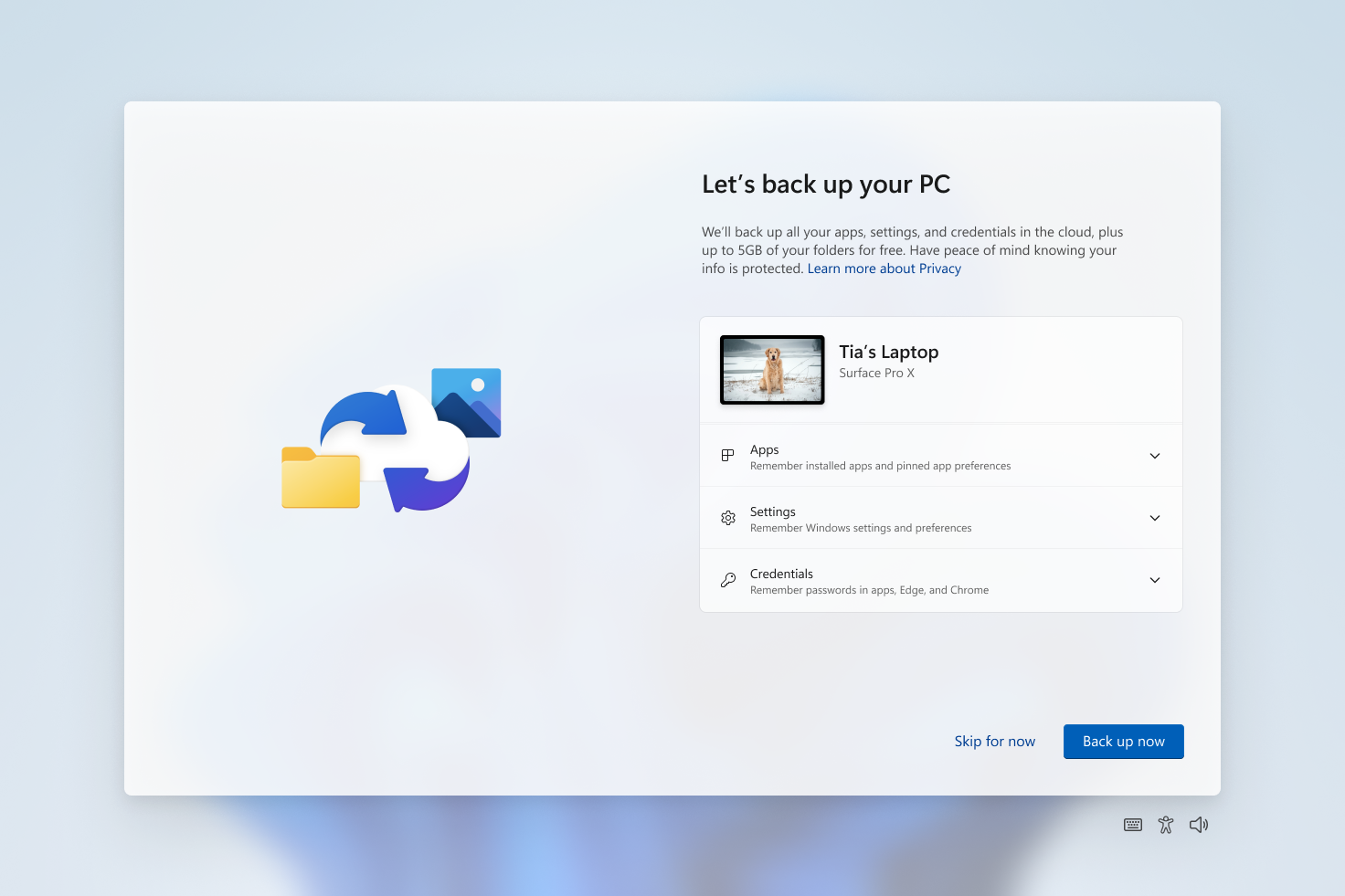
- In addition to the new Windows Backup app, now you can configure your backup preferences in second-chance out of box experience (SCOOBE), so your apps, settings, creds, and files are backed up in the cloud just the way you want them. You’ll have peace of mind knowing the data you care about is protected and ready for you to restore from any PC.
[Settings]
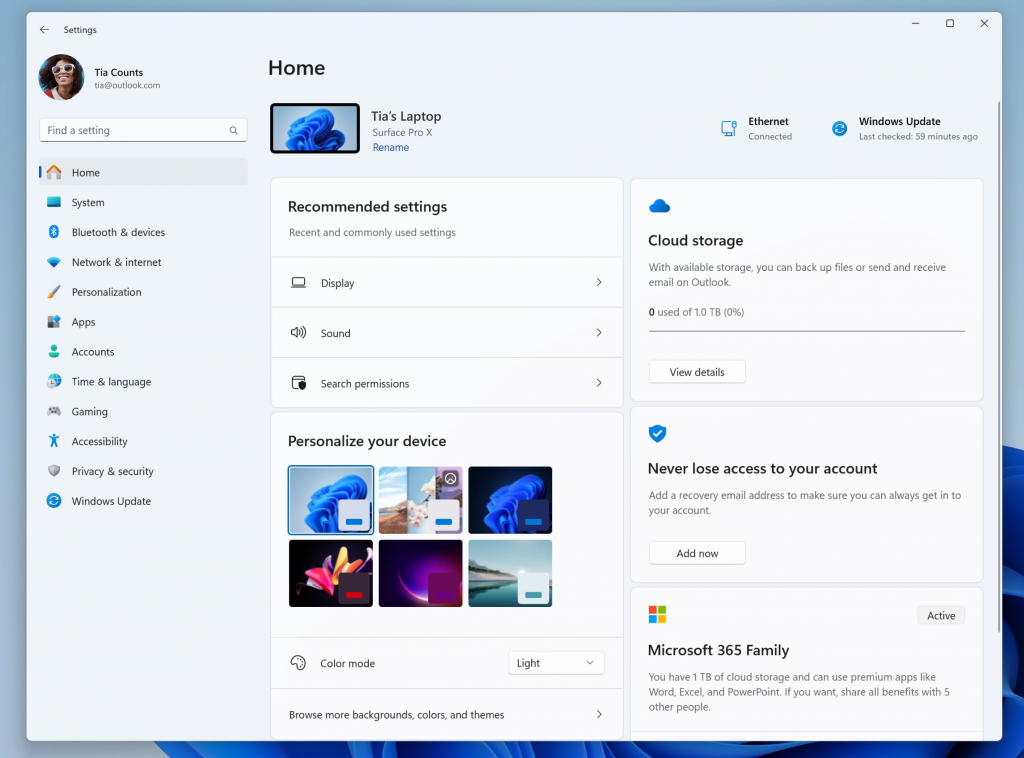
- We have temporarily disabled the new Settings homepage that began rolling out with Build 23493 due to a bug that could cause some instability on Insider’s PCs. We plan to re-enable and roll this back out once that bug is fixed in a future flight.
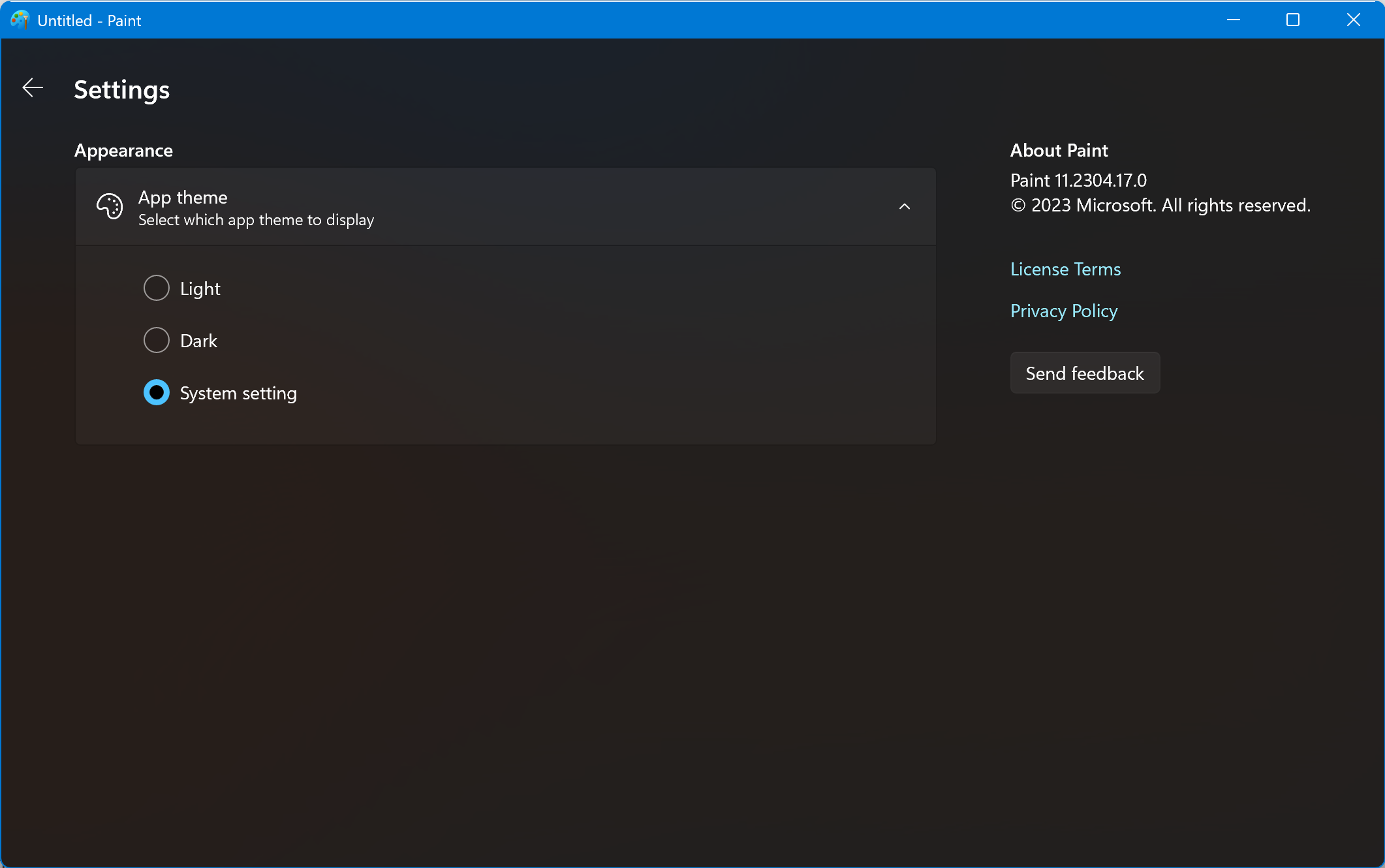
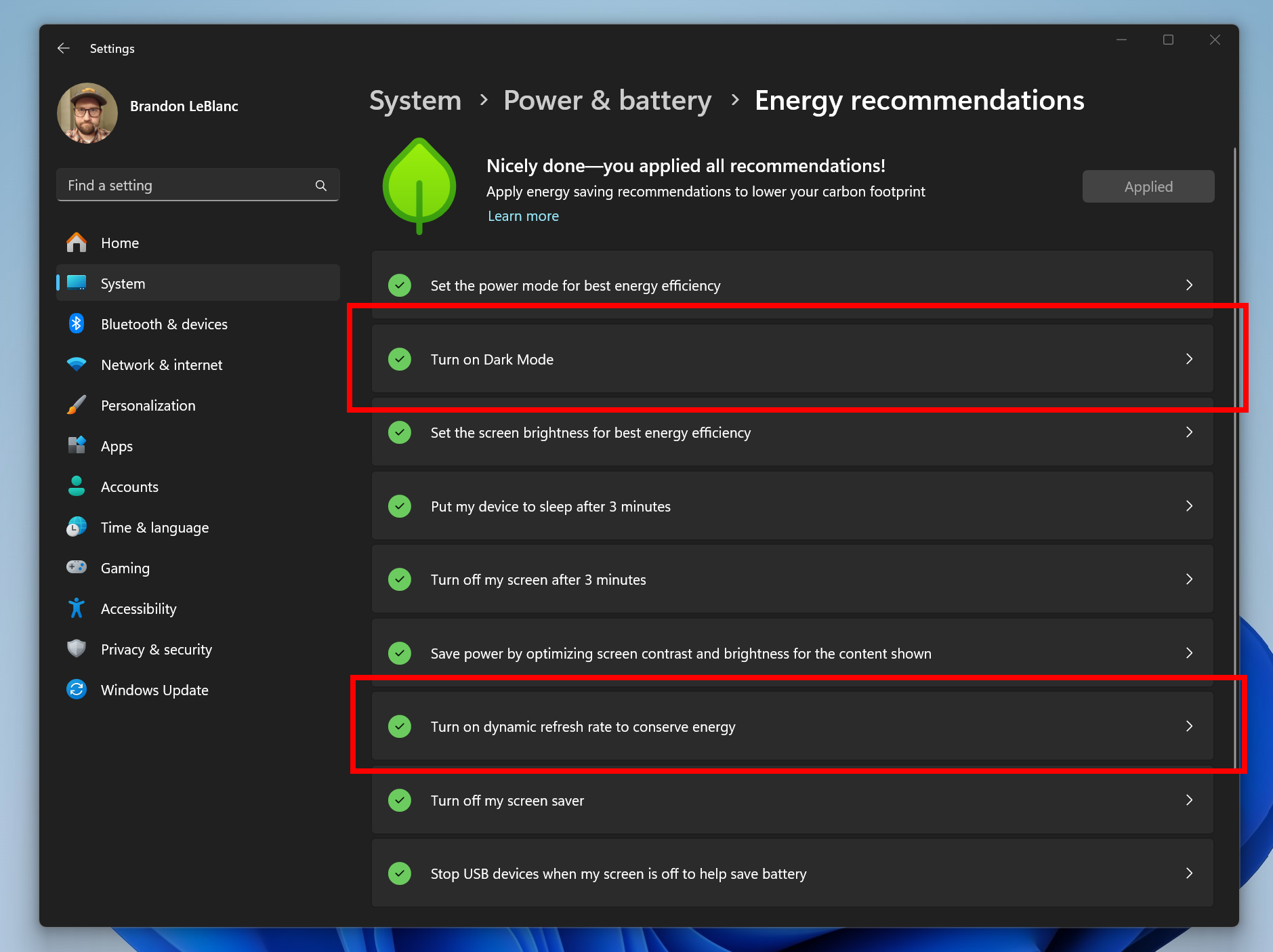
- We’ve added 2 additional energy recommendations under Settings > System > Power & battery > Energy recommendations for turning on dark mode and adjusting refresh rate to conserve energy.
Fixes
[File Explorer]
- Fixed an issue where explorer.exe might crash when dragging tabs.
- Fixed an issue which could cause explorer.exe to crash when opening Gallery.
We fixed the following issues for Insiders who have the modernized File Explorer address bar that began rolling out with Build 23475:
- Fixed an issue which was causing explorer.exe to crash when trying to access an FTP address.
- Fixed an issue where selecting the dropdown arrows in the address bar was opening a blank menu in the last flight.
We fixed the following issues for Insiders who have the modernized File Explorer Home that began rolling out with Build 23475:
- Fixed an issue where File Type icons are displayed in place of file thumbnails for ‘Recommended’ section (applicable to Enterprise users).
- Fixed an issue where Insiders signed in with an AAD account who tried to navigate the Recommended section on File Explorer Home with the tab key on the keyboard may have experienced an explorer.exe crash.
- Fixed an issue where if you navigated from another group to the Recommended section using a keyboard, focus will not appear on the group header or files appropriately.
- Fixed an issue where opening Home was crashing for some Insiders.
We fixed the following issue with commands on recommended files in File Explorer that began rolling out with Build 23403:
- Fixed an issue where if you clicked on the Share command, it would bring up the Windows share sheet instead of the OneDrive share experience.
- Fixed an underlying issue believed to be the cause of certain apps hanging when trying to use the open file dialog.
[Notifications]
- Fixed an issue where the copy button for quickly copying two-factor authentication (2FA) codes in notification toasts was not working as expected.
[Taskbar & System Tray]
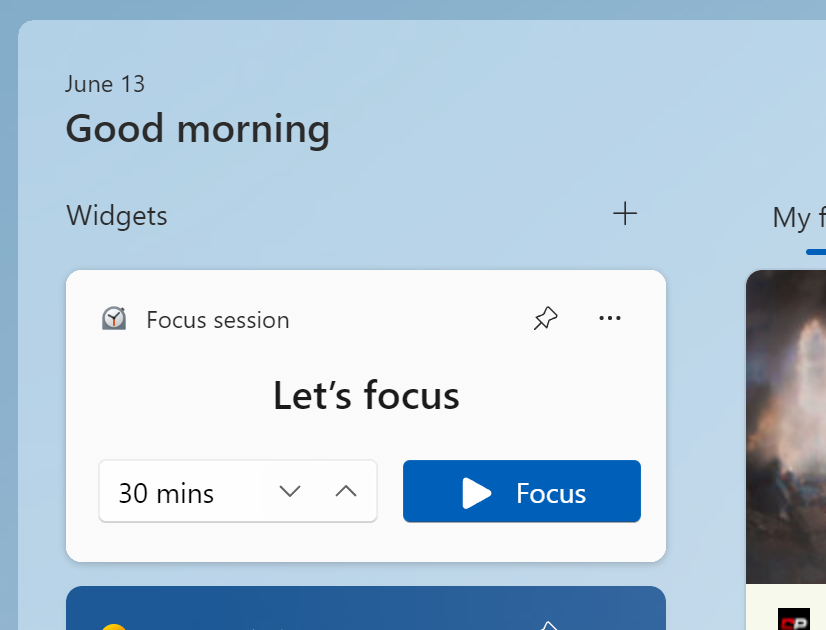
- Fixed an issue where the notification badge on the widgets icon in the taskbar could get out of place.
[Search on the Taskbar]
- We fixed the issue causing text scaling to not work in the search flyout.
[Dynamic Lighting]
- Fixed an underlying ctfmon.exe crash (which could impact the ability to type) related to the Dynamic Lighting work.
- Fixed an issue where all-device settings changes were not propagating to per-device settings.
NOTE: Some fixes noted here in Insider Preview builds from the Dev Channel may make their way into the servicing updates for the released version of Windows 11.
Known issues
[Windows Copilot]
- You can use Alt + Tab to switch out of Windows Copilot, but not back into it. Windows + C will move focus back to Windows Copilot
- When first launching or after refreshing Copilot while using Voice Access you’ll need to use “Show grid” commands to click in the “Ask me anything” box for the first time.
[Dev Drive]
- There might be variable performance on different hardware. If you notice slower performance on your machine, please file feedback!
[File Explorer]
- In some cases, the context menu background in File Explorer may appear transparent.
- Insiders may experience a File Explorer crash when dragging the scroll bar or attempting to close the window during an extended file-loading process.
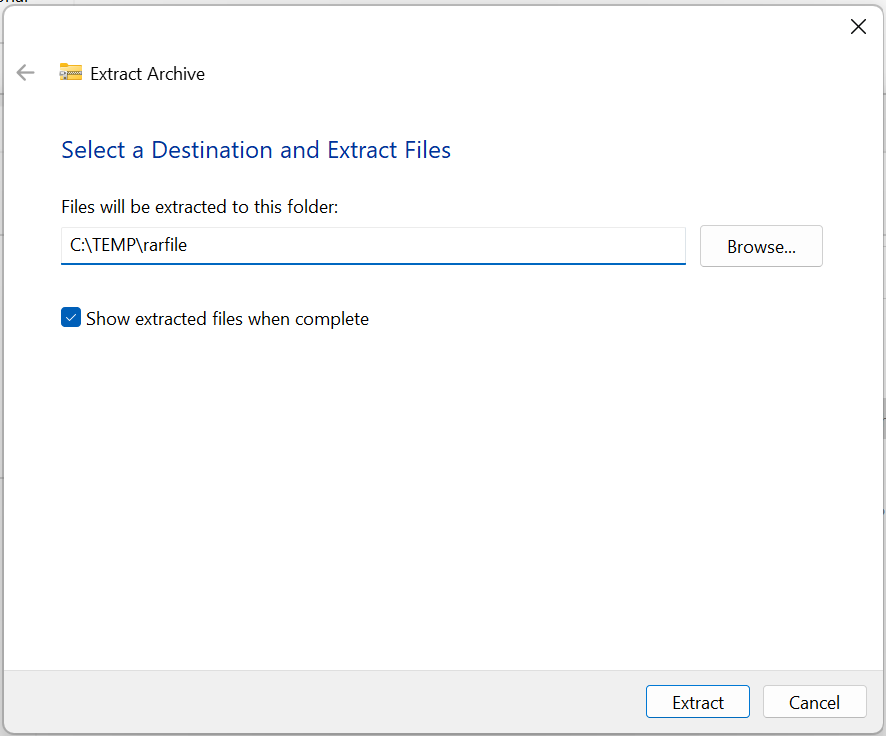
- Copying files out of large archives or using “Extract All” might be slower than expected for “solid” .7Z or .rar archives.
- Thumbnail loading performance in Gallery for dehydrated cloud files and memory usage in large collections are known issues we are focused on improving. Please capture Performance traces in Feedback Hub for any performance-related issues. Rebuilding your Indexer can help if thumbnails are missing for cloud files; Search for “Indexing Options” and look in Advanced settings to find the rebuild tool.
- [UPDATE] ALT + D, CTRL + L, and F4 do not consistently set focus to the address bar. We’re investigating.
Insiders who have the modernized File Explorer address bar that began rolling out with Build 23475:
- Windows Insiders may notice missing craftmanship polish with the modernized address bar and search box. The team greatly appreciates the use of Feedback Hub to help call out important details to address.
[Dynamic Lighting]
- Switching user accounts can turn off device LEDs.
[Windows Ink]
- The address box in Microsoft Edge might not work correctly.
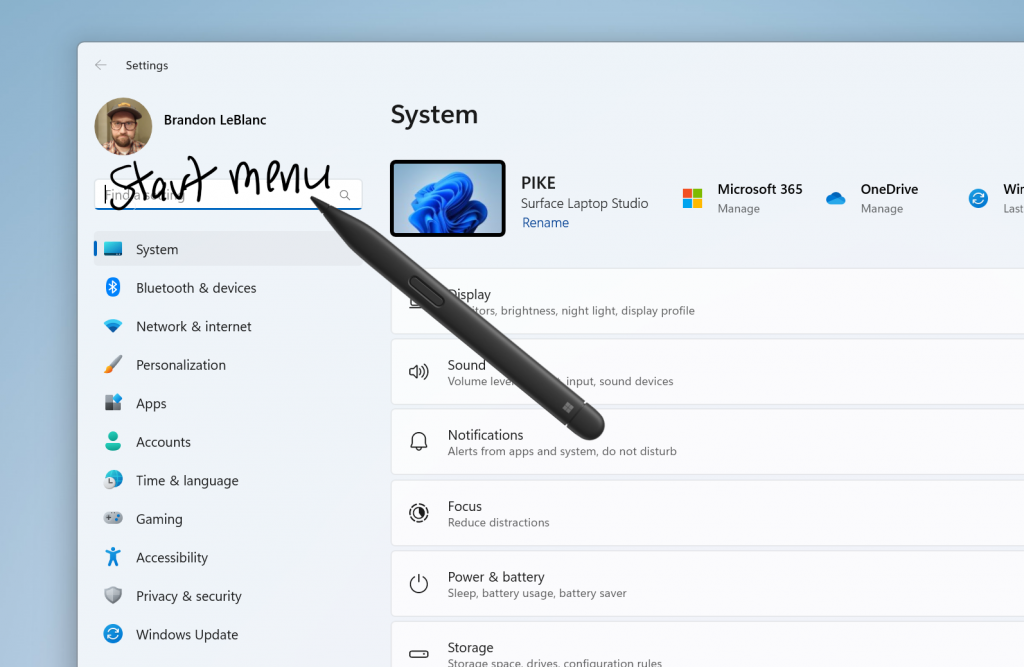
- Windows Ink does not convert handwriting to text into the main content (e.g., Word documents and Excel spreadsheets) in Microsoft 365 applications.
- Search boxes in Microsoft 365 applications (e.g., Microsoft Word) might not work correctly.
- Comment fields in Microsoft 365 applications (e.g., Microsoft Word) might not work correctly.
source: Windows Blogs