
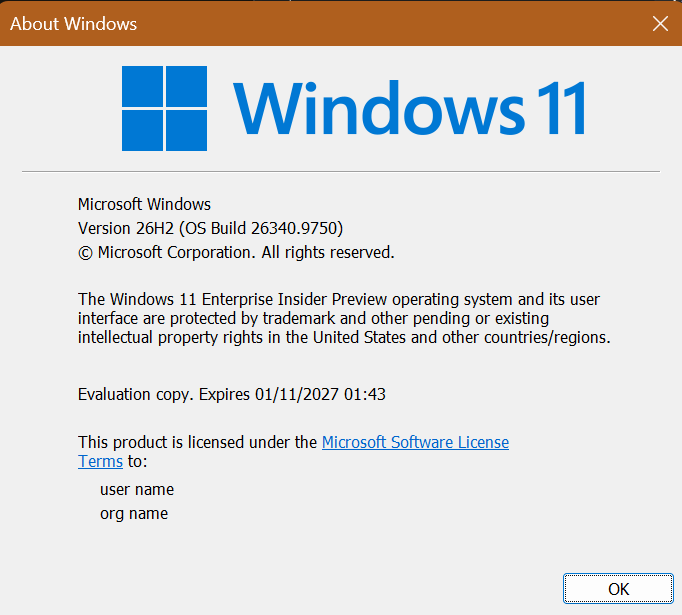
Hi all, last Friday Microsoft released Windows 11 Build 26340.9750 to the Insider Experimental Channel
Web sign-in is now available for Hybird-Joined Devices! All updates rolled out smoothly on my devices in this channel. Happy Upgrades!
Changes and improvements gradually being rolled out
[Gaming]
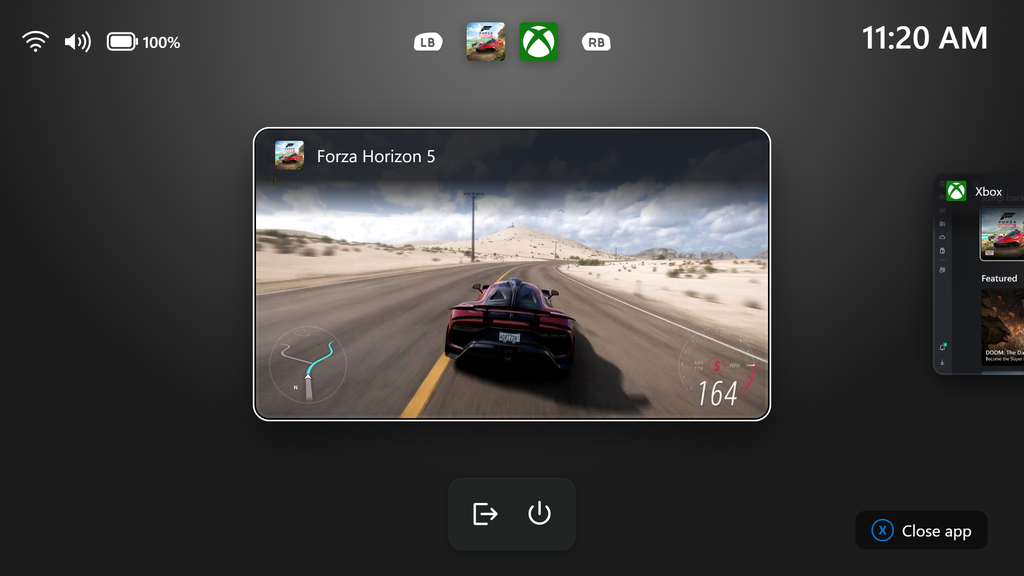
- We’re introducing a refreshed Gaming Task View experience in XBOX mode, featuring a new navigation bar that provides quick access to Exit to Desktop and Power Options. This update makes key system actions easier to access while gaming.
[Web sign-in]
- Web sign-in now works on Microsoft Entra hybrid joined devices. Before this update, it was only available on Microsoft Entra joined devices. You can sign in to Windows at the lock screen with a passwordless credential: a FIDO2 security key, a passkey on your phone, or a Temporary Access Pass (TAP). You don’t need a password. Once you’re signed in, Windows gets a Kerberos ticket, so on-premises file shares and internal sites keep working. For more information, see Use web sign-in to enable passwordless sign-in in Windows.
[Windows Hello]
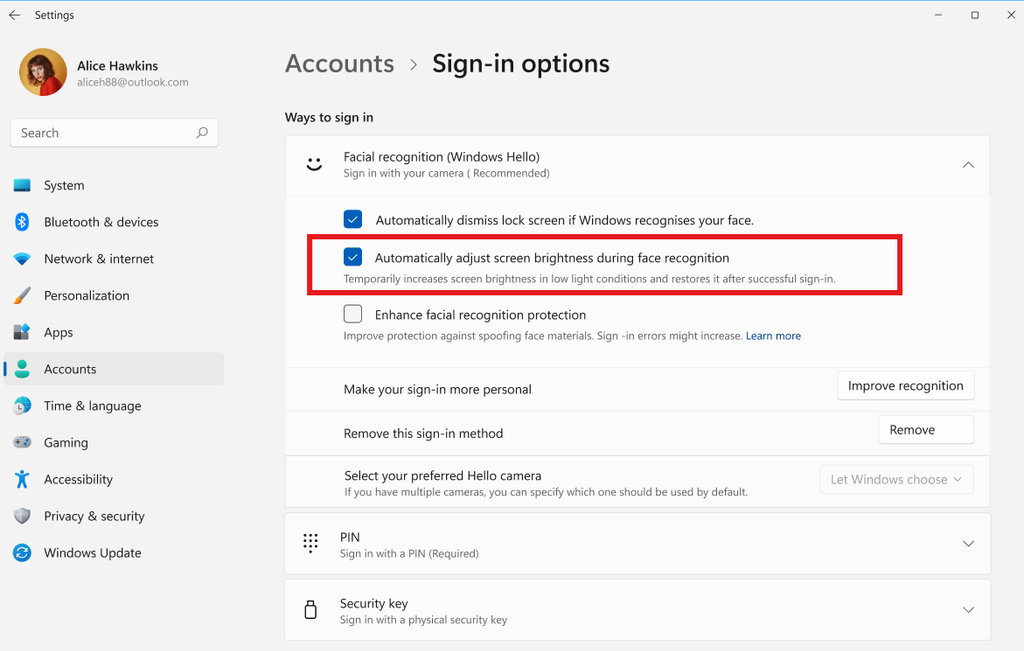
- Windows Hello facial recognition can temporarily brighten your screen to help you sign in when you’re in a dark or dimly lit room.
- To turn on this feature, go to Settings > Accounts > Sign-in options > Facial recognition (Windows Hello) and turn on Automatically adjust screen brightness during face recognition.
[File Explorer]
- Improved responsiveness of folder views so they update and sort correctly when files and folders are added or renamed.
[Windows Search]
- Addressed underlying issues that could cause search to appear missing or stop working after the previous update, including if you rapidly clicked the search icon repeatedly.
[Run]
For Insiders with the new Run dialog enabled:
- Improved the window position when using an Arabic or Hebrew display language.
- Improved performance of the Run dialog when navigating to very large folders.
- Fixed an issue where your text might unexpectedly disappear if you started typing too quickly after opening Run.
- Made a few other small visual fixes and refinements.
[Other]
- Improved shutdown reliability, reducing the chance of a hang on shutdown in certain cases.
- The dialog for certain system messages, like low battery and permissions, should use the expected modern design again.
source: Flight Hub