Hi all, last Friday Microsoft released Windows 11 Build 26300.9032 to the Experimental Channel
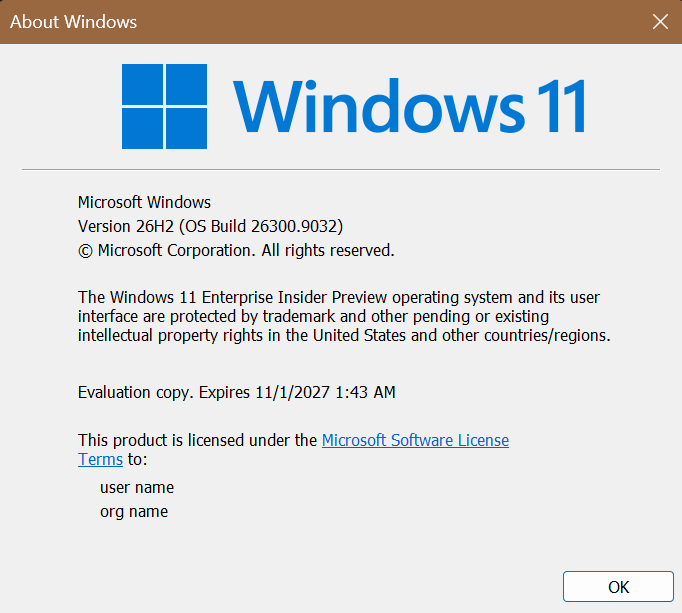
New Build Expiry date is set to 11/1/2027, upgrades went smooth on all my devices in this channel.
Changes and improvements gradually being rolled out
[Certificate renewal for Windows Insiders]
- This build includes the renewed Windows Insider flight certificate. Windows Insider Preview builds use flight certificates that are renewed periodically to help ensure Insider devices remain on supported builds and continue receiving future Insider Preview updates. The current flight certificate expires on August 11, 2026, so please update your device to this build or a later one containing the renewed flight certificate before that date.
- For more information, see aka.ms/WIPCertExpiry.
[Search]
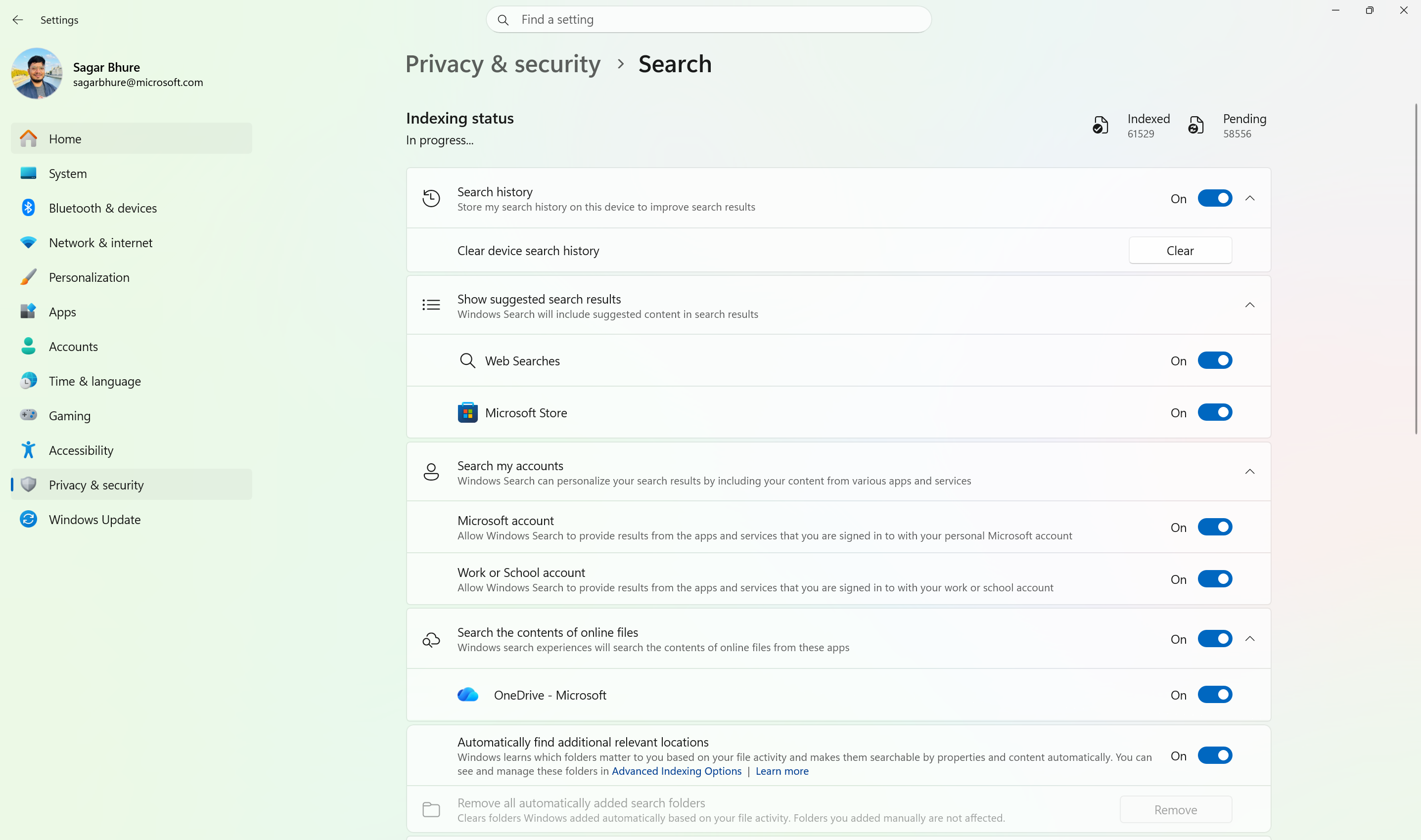
- Windows Search can now automatically expand its indexing scope based on your activity, using signals like recent files and frequently accessed locations. This helps ensure that relevant files across your device are discoverable without requiring manual indexing configuration.
- To manage this feature, go to Settings > Privacy & security > Search.
Automatically expand search to include relevant files based on your activity.
[Phone Link]
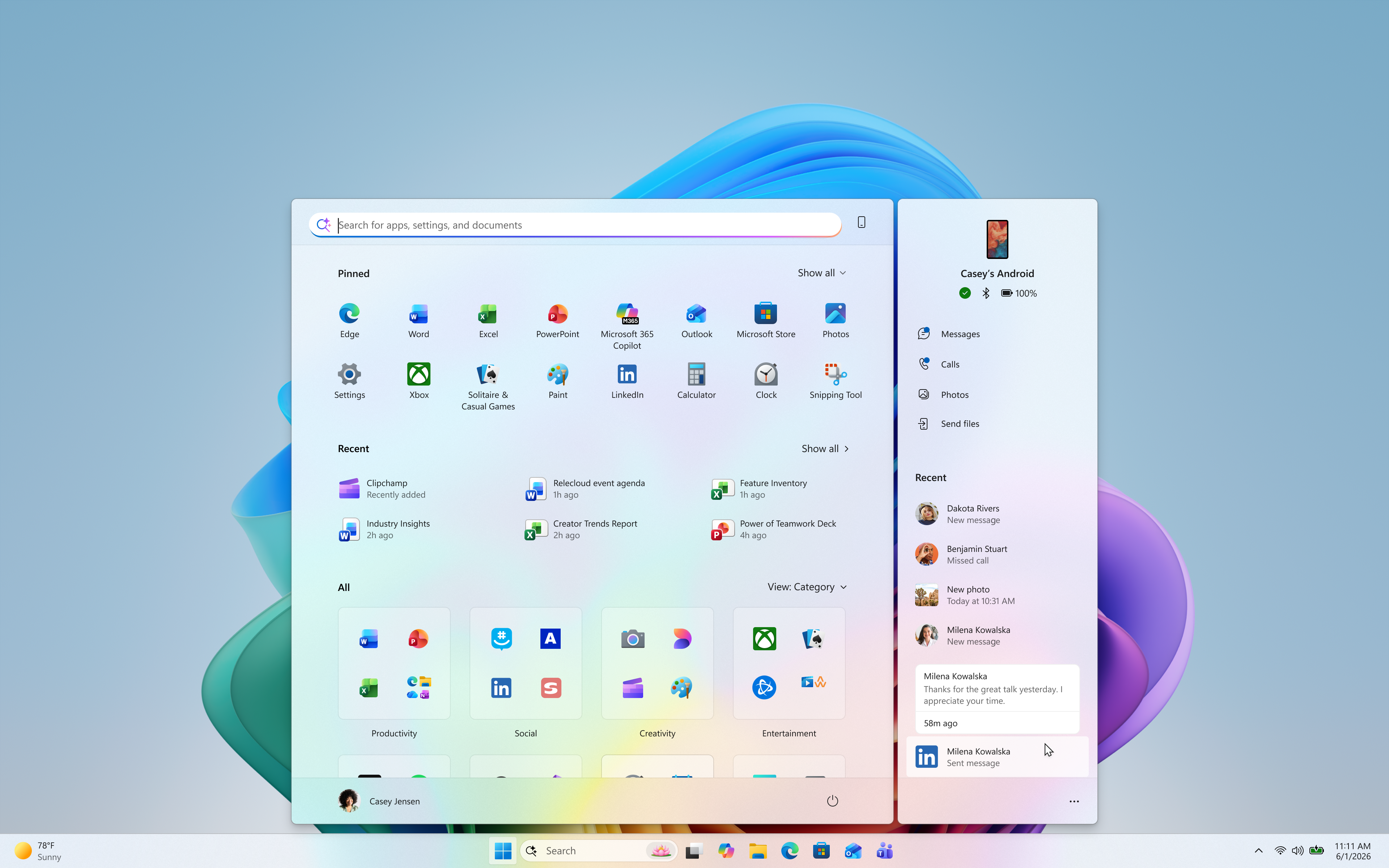
- The phone companion experience in Start already helps you keep up with activity from your mobile device. With today’s update, you can see even more at a glance.
- Get more from your latest activities: Hover over a recent message or notification in the Recent section to preview its content directly in Start. There’s no need to pick up your phone or open the item to see what’s new.
- Whether you’re checking a message or deciding if a notification needs attention, these updates make it easier to stay informed and keep your focus.
Preview messages and notifications from your phone directly in Start by hovering over recent activity.
- This experience is gradually rolling out to Insiders on the Experimental channel with a minimum Phone Link build of 1.26021.3.0. Go to Phone Link > Settings > Start menu personalization.
[Settings]
- We’ve improved search in the Settings app to help you discover and navigate to settings more quickly. Search now surfaces results from more areas within Settings, with improved ranking to help relevant settings appear higher in results.
[Adaptive hibernate policy]
- Updates to the adaptive hibernate policy increase instances of instant-on resumes from Modern Standby and increase battery preservation at the low end of the battery. Noticeable changes include less hibernation while the battery is above 80% and hibernating sooner when the battery is below 10%.
[Start menu]
- Fixed an issue causing the Start menu to crash for some Insiders recently when dragging apps.
[Taskbar]
- Fixed a recent issue where, when the taskbar was in an overflow state, hovering over the preview thumbnail for an app window in the overflow area would immediately dismiss it.
[File Explorer]
- File Explorer Home now preserves the state of sections (expanded or collapsed), so you can pick up where you left off.
- We’ve addressed an issue that caused the address bar contents to be cleared when entering edit mode by clicking near the right end of the bar.
- We’ve improved the reliability of File Explorer when dragging files to a disconnected network drive.
- This update addresses an issue where files stored on a DFS mapped drive could be incorrectly treated as originating from the internet after the device started while disconnected from the network and later reconnected. This could cause File Explorer’s Preview pane to display the message, “The file you are attempting to preview could harm your computer,” or cause files copied from the DFS drive to receive an unexpected Mark of the Web.
[Windows Spotlight]
- Made some underlying changes to help improve reliability for Windows Spotlight on the lock screen.
[Storage]
- This update fixes an issue that affects File History automatic backups to network shares using Server Message Block (SMB). Backups didn’t work because Windows showed a false “invalid credentials” error when connecting to SMB shares.
source: Flight Hub