
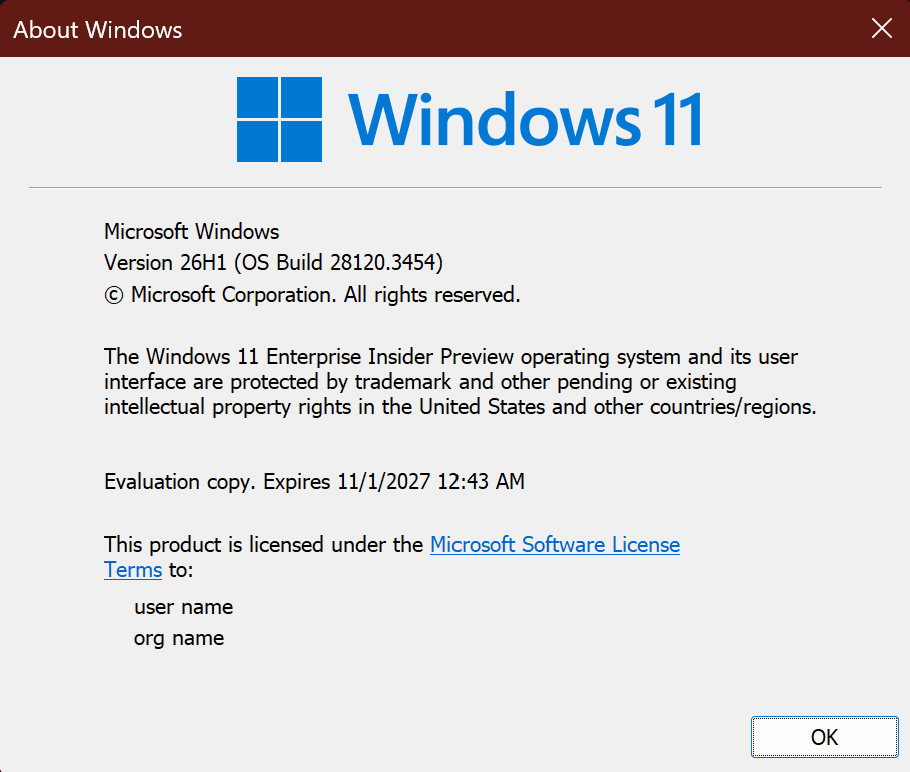
Hi all, last Friday Microsoft released Windows 11 Build 28120.3454 to the Experimental (26H1) channel.
Changes and improvements gradually being rolled out*
- This update includes a small set of general improvements and fixes that improve the overall experience for Insiders running this build on their PCs.
[Windows Hello]
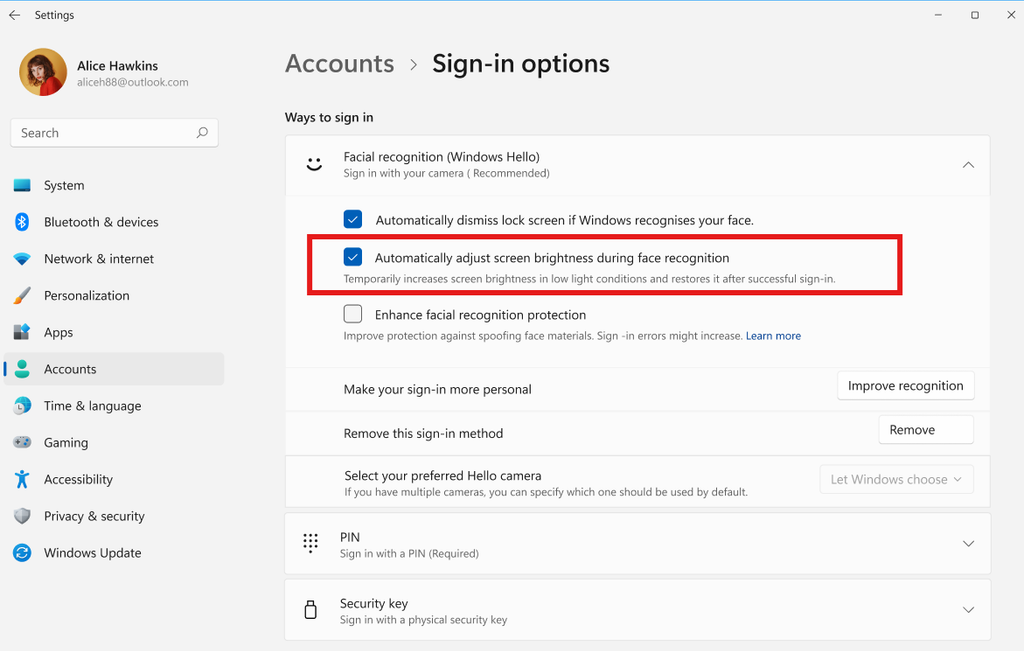
- Windows Hello facial recognition can temporarily brighten your screen to help you sign in when you’re in a dark or dimly lit room.
- To turn on this feature, go to Settings > Accounts > Sign-in options > Facial recognition (Windows Hello) and turn on Automatically adjust screen brightness during face recognition.
[Security]
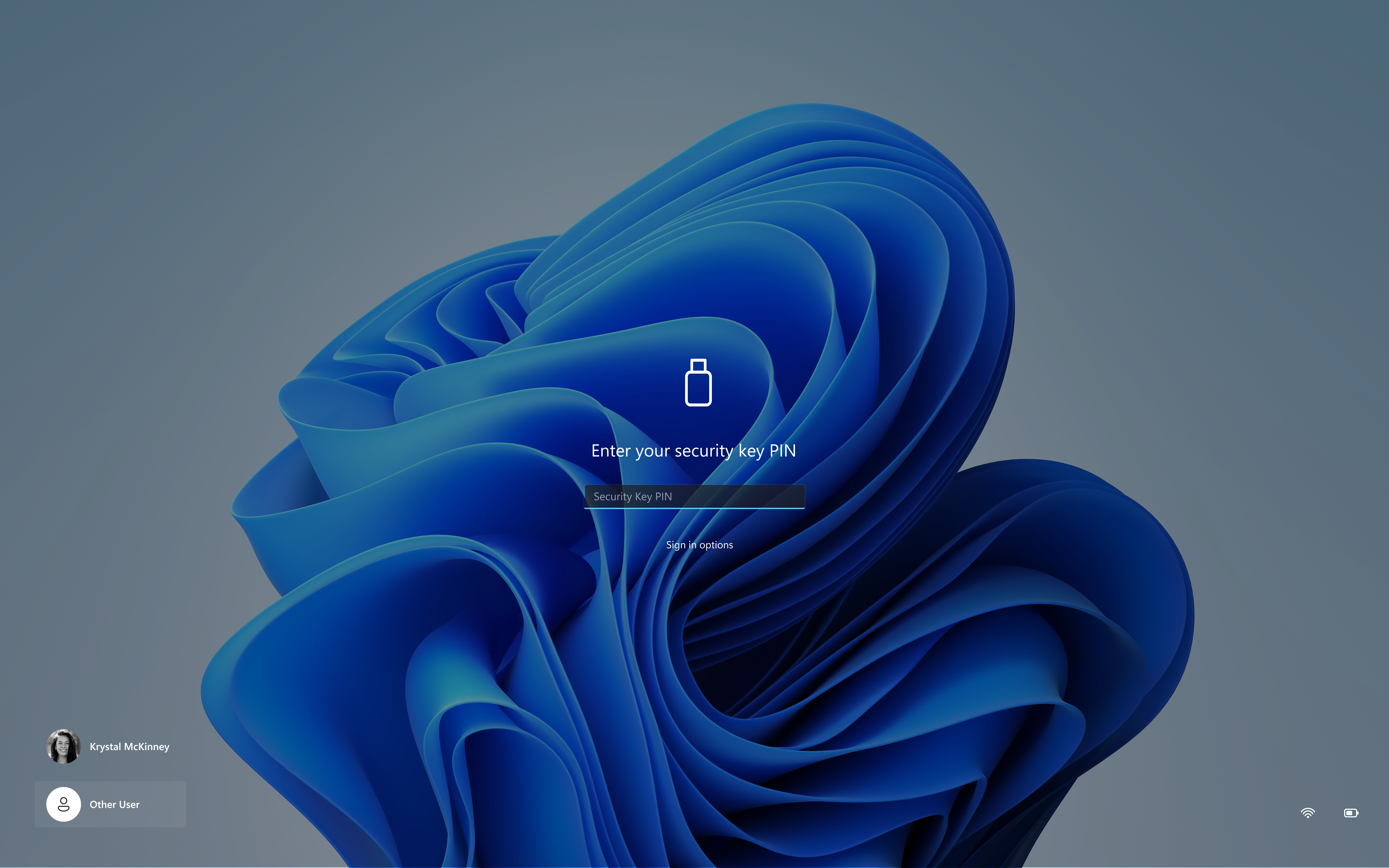
- The security key PIN entry experience has been updated, removing the “other user” icon for a clearer sign-in experience.
source: Flight Hub