Hi all, last Tuesday Microsoft released Windows 11 Insider Build 28120.2546 to the Experimental (26H1) Channel.
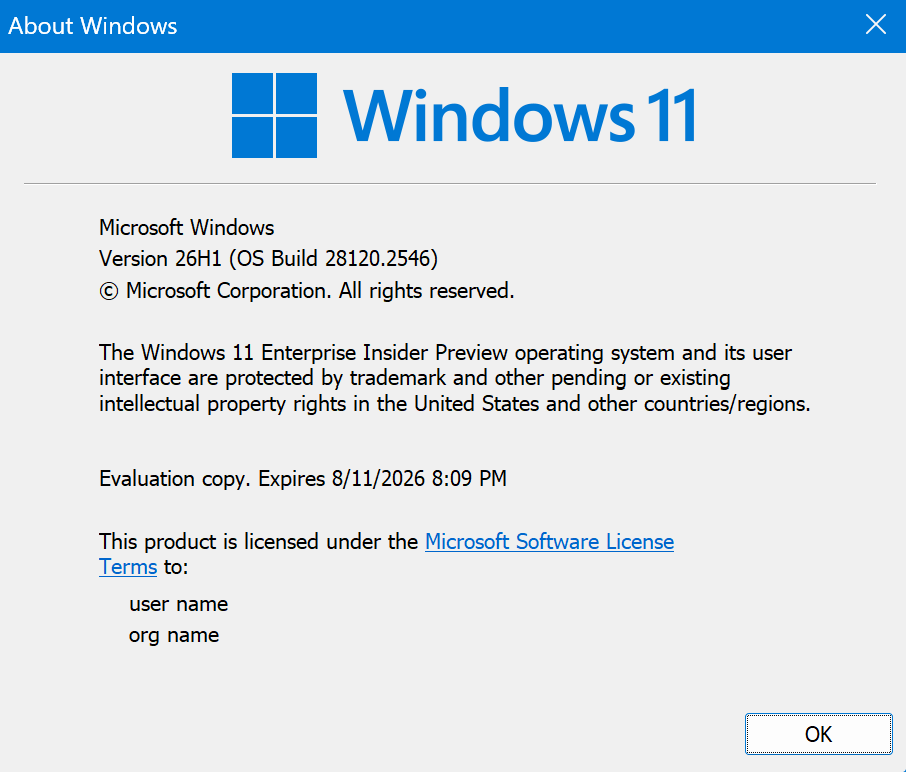
All devices upgraded smoothly on this build, some tweaks and a cool feature for AVD and Windows 365 security.
Happy Upgrades!
Changes and improvements gradually being rolled out
- This update includes a small set of general improvements and fixes that improve the overall experience for Insiders running this build on their PCs.
[Smart card removal policy]
- Administrators can now configure Azure Virtual Desktop (AVD) and Windows 365 sessions that use Microsoft Entra ID (RDS AAD Auth) authentication to automatically disconnect when a redirected smart card is removed. This extends smart card removal policy enforcement to Microsoft Entra authenticated remote sessions, helping organizations meet security and compliance requirements.
[Narrator]
- Braille displays now connect instantly with Narrator.
- We’re making refreshable braille displays easier to use in Windows. Narrator now supports displays that use the HID standard, an open industry standard for braille displays. If your display supports HID, simply connect it via USB and start reading with no additional setup required.
- For Bluetooth, pair your HID braille display in Settings > Bluetooth & devices just like any other accessory, and you can work wirelessly without being tethered to your PC.
- Compatible HID displays include Orbit Reader 20, Orbit Slate 340, Freedom Scientific Focus 40, and APH Mantis Q40.
- HID braille displays now work during the initial Windows setup experience (OOBE) over USB, meaning users who are deaf-blind can set up their PC independently right from the first screen.
- You can customize braille input and output options anytime in Settings > Accessibility > Narrator > Braille.
[Voice Access]
- Voice Access now supports Portuguese (Portugal), Portuguese (Brazil), and Korean (South Korea).
[Settings]
- The Bluetooth quick settings page is now navigable using gamepad input.
- Fixed an issue causing the Graphics page in Settings to crash for Insiders after the latest updates.
[Sounds]
- Improved system sounds when using Windows in dark mode.
source: Flight Hub