

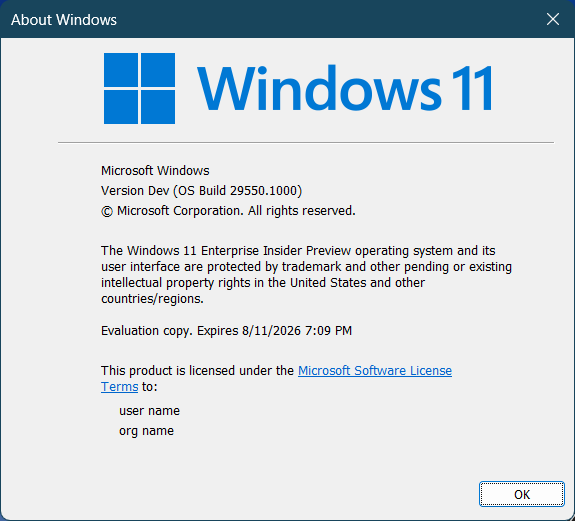
Hi all, yesterday Microsoft released Windows Insider Preview Build 29550.1000 to the Windows 11 Insider Canary Channel on the optional 29500 build series.
A few glitches spotted on my Surface 13inch for Business:
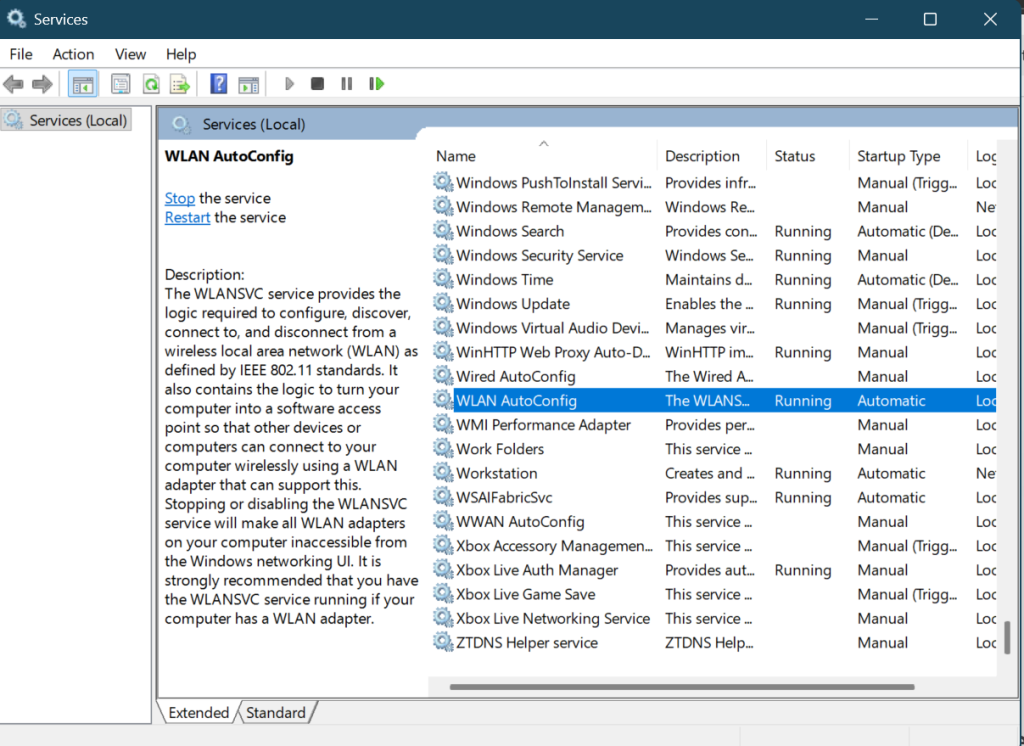
- Wifi disappearing caused by the ‘WLAN AutoConfig’ service crashing, causing wifi to disappear from the action center if you run into this just start the service again to restore wifi for now (Feedback Hub: https://aka.ms/AA108g1p)
One of my favorite features on Copilot+, Recall is having a hard time to get started after a reboot, patience is key here it does start after a while of showing ‘something went wrong, please try again later’ (Feedback Hub: https://aka.ms/AA1088m1)
Happy Upgrades! Don’t forget to file any issues using the Feedback Hub!
What’s new in Canary Build 29550.1000
Changes and Improvements gradually being rolled out with toggle on*
- This update includes platform changes in moving to a new active development build.
[Emoji]
- The Emoji 16.0 release introduces a small thoughtfully curated set of new emojis, one from each major category. Each emoji carries timeless symbolism and practical versatility. These new emojis now appear in the emoji panel.
[Camera Settings]
- You can control pan and tilt for supported cameras in the Settings app. The controls appear under Settings> Bluetooth & devices > Cameras, in the “Basic settings” section for your selected camera.
[Power]
- Changes to global power settings (for example, Display, Sleep, Hibernate timeouts, Power/Sleep button, and lid close actions) from Settings are now applied to all power plans. This should help improve persistence of chosen settings.
[File Explorer]
- You can now use voice typing (Windows key plus H) when renaming files in File Explorer.
[Settings]
- Improved performance of loading Settings Home.
- Improved Settings reliability when navigating to Privacy & Security.
- Improved reliability of updating necessary components when prompted under System > Advanced > File Explorer.
- Improved reliability of configuring custom tools in Bluetooth & Devices > Wheel.
[Nearby Sharing]
- Improved the reliability of sending larger files using nearby sharing.
[Other]
- Improved reliability of running sfc /scannow.
source: Windows Blogs