
In a world where our digital lives are fast-paced and scattered across apps, websites, chats, and documents, keeping track of it all can feel like trying to find a paperclip in a hurricane. That’s where Windows Recall steps in — not just as a feature, but as a game-changer.
⏱️ What Is Windows Recall?
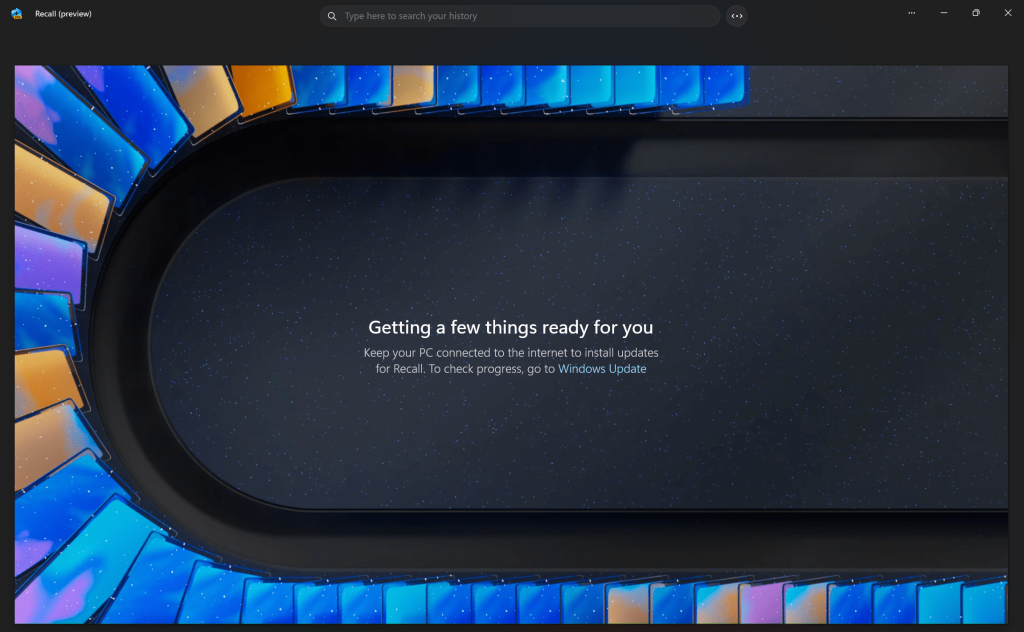
Windows Recall is like having a photographic memory built into your PC. It quietly and securely keeps track of what you’ve seen and done, letting you “recall” something from your past activity — whether it was a webpage you browsed, a document you edited, or a conversation you had — almost instantly.
You know that feeling when you vaguely remember something you read, but can’t remember where or when? With Recall, those moments become history.
💻Requirements
Not every pc will be able to use Recall it requires a Copilot+ PC, Your devices must have a CPU with a Neural Processing Unit (NPU) capable of at least 40 TOPS, 16GB or more of RAM, and at least 256GB of SSD storage. Security features like TPM 2.0, BitLocker or Device Encryption, and virtualization-based security must also be enabled
🔐 Is It Safe? Yes — Privacy First
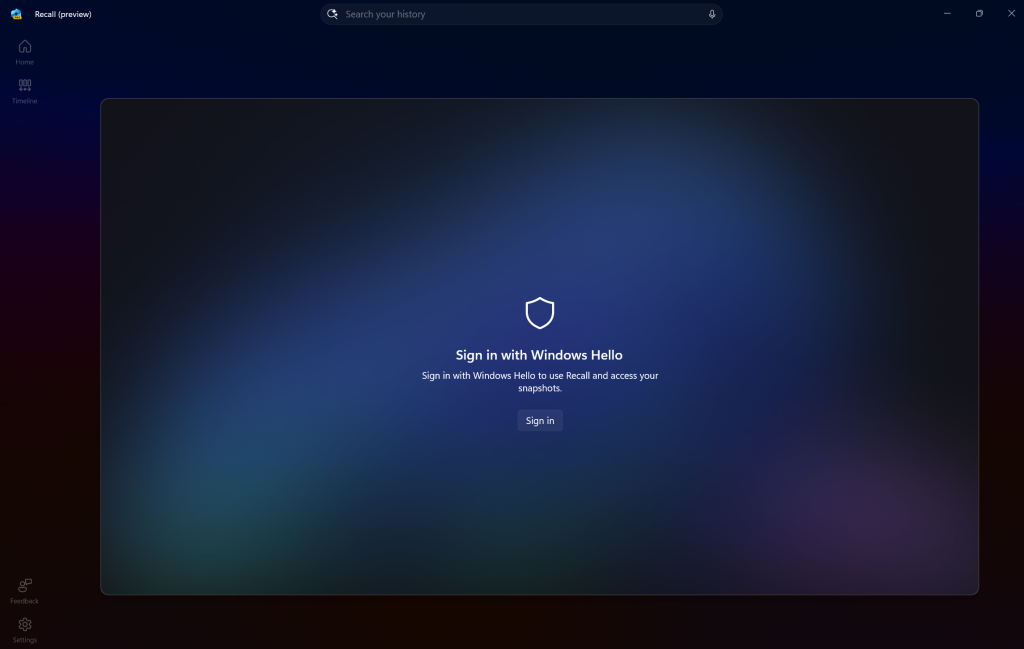
Microsoft built Recall with security as its cornerstone. The snapshots captured by Recall are stored locally, encrypted on your device. That means you’re the only one who can see or search them — not Microsoft, not third-party apps, not even your IT admin. You can pause Recall, delete specific snapshots, or erase everything in one click. It’s your memory, on your terms.
🚀 Superpowers for Work and Life
Here’s how Windows Recall saves your time and boosts your productivity:
- Find Anything Instantly: Search with natural language — “Show me the recipe for mushroom risotto I looked at last week,” and Recall will find it.
- Multitask Like a Pro: Recall helps you jump back into work exactly where you left off, across apps and browsers.
- Creative Research Made Easy: Writers, designers, researchers — you can rediscover sources or inspiration from days or even weeks ago.
🤯 A Second Brain You Didn’t Know You Needed
Imagine having your own personal digital historian who remembers what you saw, when you saw it, and how to get back to it — without judgment or forgetfulness. That’s Windows Recall. It’s not just a tool — it’s an extension of you.
Using Recall over the past few months has genuinely transformed the way I manage my day-to-day responsibilities. It’s not just a tool—it’s become an extension of how I think and organize my work. From streamlining follow-ups to capturing key insights during meetings, Recall has helped me stay on top of everything without feeling overwhelmed. I’ve noticed a significant boost in my productivity and clarity, and I feel more confident knowing that nothing important slips through the cracks anymore.
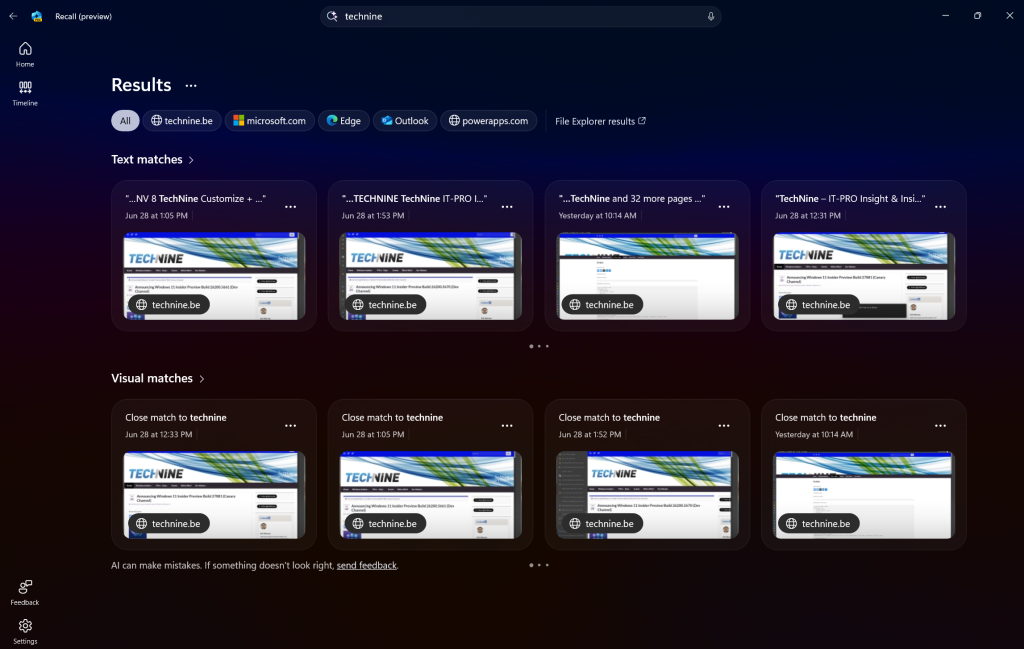
It’s also important to highlight that Recall can only be activated on your own device and account, and only if your company has explicitly allowed its use. This ensures full transparency and respects both individual privacy and organizational policies. You’re always in control—Recall doesn’t record or analyze anything unless you’ve chosen to enable it within the boundaries set by your employer. That balance between personal productivity and corporate governance has made it a trustworthy and compliant tool in my daily workflow.
Make sure to test it out when it is available to you!